




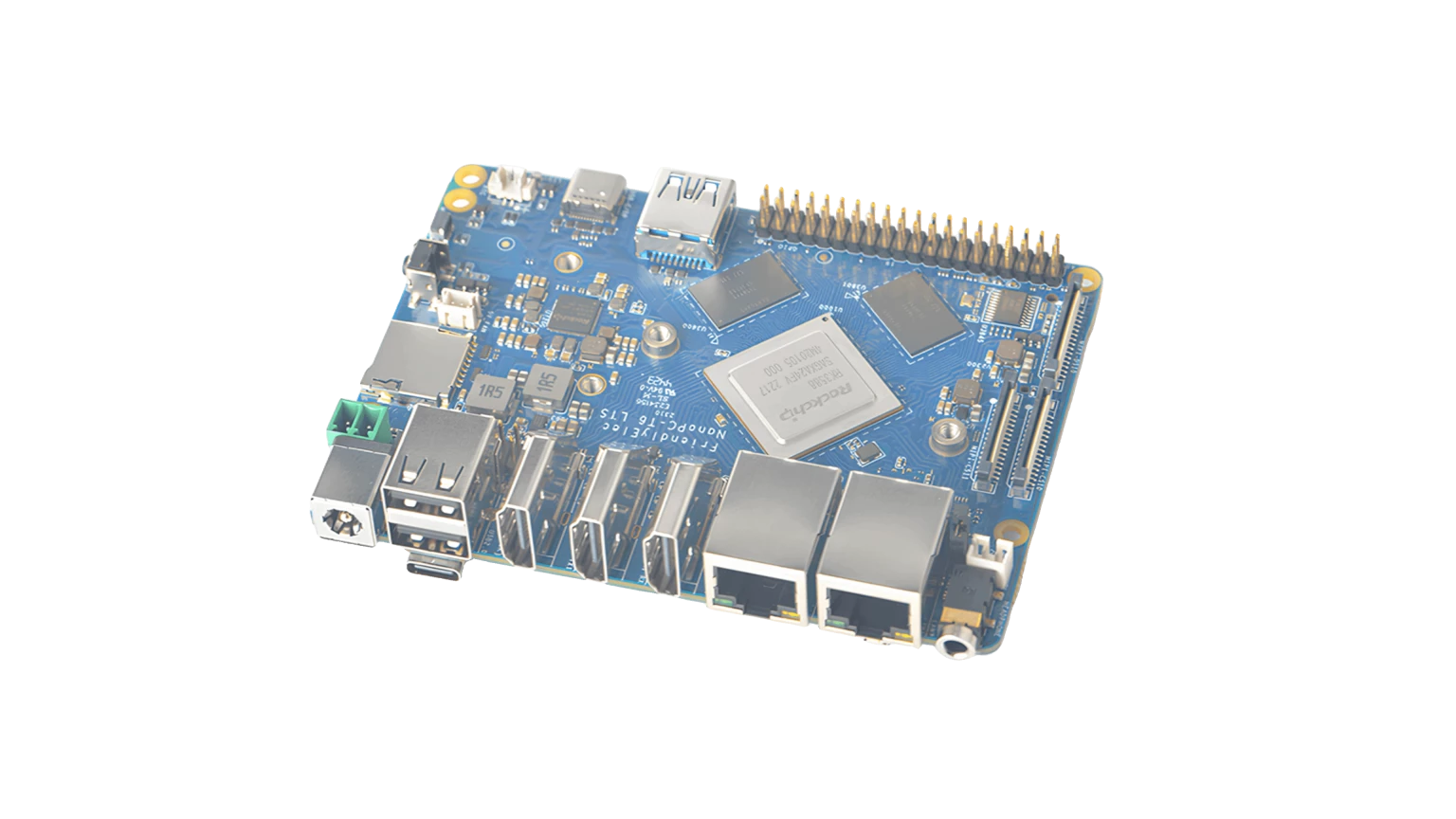
The NanoPC-T6 from FriendlyElec is now supported by Voyager SDK. This is one that's been requested a few times (shout out to the folks who’ve previously asked for it), so I figured it was worth a proper write-up.
What's the NanoPC-T6?
It's an RK3588-based SBC that's been popular in the community for a while, particularly for networking and NAS builds. The board itself is pretty compact and comes with dual 2.5GbE ports, an M.2 slot for NVMe storage, and somewhat unusually for an SBC, an HDMI input alongside the outputs. Pricing starts around $100 for the 4GB/32GB variant and goes up to about $150 for the 16GB/256GB version. So it’s an affordable piece of kit and a smart choice for the right projects.
Performance
In terms of what you can expect with Metis attached, it's comparable to the OrangePi 5 Plus; not as fast as our Metis Compute Board, but honestly really decent for the price point. A few numbers from the benchmarks with SDK 1.5.2:
- YOLOv8n: ~450 FPS (host), 61ms latency (OpenCL)
- YOLOv8s: ~360 FPS (host), 77ms latency (OpenCL)
- MobileNetV2: ~3100 FPS (host)
- ResNet50: ~1600 FPS (host)
If you're after raw throughput, LPRNet hits 6084 FPS (which is pretty wild for a ~$100 board!) and 611 FPS end-to-end. There’s a lot you could do with that! Around 80 models benchmarked in total across classification, detection, segmentation, pose estimation and more in testing this, showing the NanoPC-T6 to be a rock solid choice.
Setup Gotchas
Just FYI, there's a device tree modification required to get Metis working, which we already know about from similar devices. The default RK3588 device tree doesn't allocate enough PCIe memory space for Metis. The docs walk you through this step by step, but basically you're bumping up the non-prefetchable memory window for the PCIe root complex. It’s super easy, but worth knowing about.
Documentation
Full setup guide is here if you want a bit more inro, and any questions, just shout!
https://support.axelera.ai/hc/en-us/articles/31859388491794-Bring-up-Voyager-SDK-in-NanoPC-T6

