
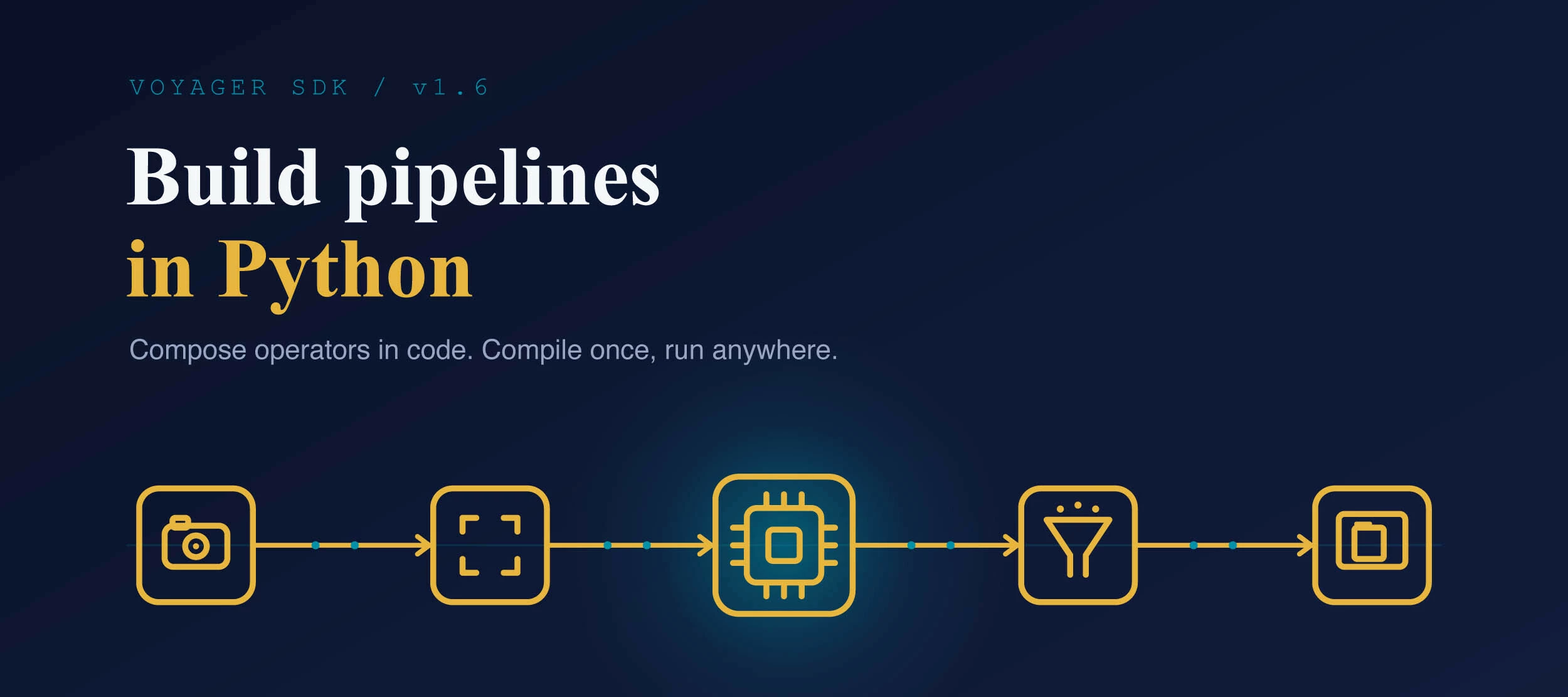




If you've built anything with Voyager, you'll know the drill: pipelines are all about the YAML. That hasn't changed, and for production it's still the way to go. But there's a new option that landed in the v1.6 docs, and based on the discussions here in the community, I reckon a few of you will want to have a poke at it. It's called the Pipeline Builder, and as you might have guessed, it lets you build a pipeline in Python instead of YAML.
So what is it?
Instead of describing your pipeline in a YAML file, you compose it in Python out of operators. That’s the short version. The preprocessing, the model, the postprocessing, the tracking, all stitched together in code. If you think in Python rather than config files, or you live in Jupyter notebooks, this is going to feel a lot more natural than editing YAML and running it from the command line.
That being said, it sits alongside the YAML approach rather than replacing it. The docs are nice and clear about when to use which:
- YAML for production and standard workflows where you want the battle-tested GStreamer throughput
- Pipeline Builder for prototyping, custom logic between stages, and anything where you want full Python control.
And you can mix the two, as well.
Compile Once, Run Anywhere
The new flow splits into two halves. You compile your model once into a new .axm file using a package called axelera-devkit, and then you run it with axelera-rt, which is a lightweight runtime you pip-install on whatever you're deploying to. The devkit doesn't need to be anywhere near your target device.
If you've followed any of the setup guides, you'll know the established way in is cloning the repo and installing the full SDK on the machine you're working on. A lightweight runtime that you just point at a pre-compiled model is an interesting shift, and it makes deploying to small or awkward targets a lot less faff. Compile on your beefy dev machine, copy the .axm across, run. Imagine an old Viking’s voice saying, “It is the old way.” Or maybe a Jedi.
There's also a nice shortcut if you're a YOLO fan (and who isn’t?). You can export straight from Ultralytics to a Metis-ready .axm with a single line ( model.export(format="axelera")) and custom weights export exactly the same way. From there it's a handful of lines of Python to get from an image to detections. The full example's in the Quickstart, so I won't repeat it here, but it's as short as you're hoping.
Experimental
Do keep in mind that this is early days. It's flagged as being experimental, and the Pipeline Builder specifically is an alpha. The core operators (detection, classification, pose, segmentation, tracking) are stable, but the cascade and streaming parts are still being worked on, and the optimised kernels from the YAML path haven't been ported across yet, so it might not match YAML for raw throughput today.
So it’s not here to rebuild your production multi-stream setup just yet, but it’s close.
Have a Look
- Start with the Quickstart, your first pipeline in about a minute.
- Then the Pipeline Overview for worked examples across detection, classification, pose, segmentation, tracking, cascades, so on, so forth.
- And the SDK landing page if you want the straight YAML-vs-Python comparison and where each one fits.
Over to You
If you give it a go, I'd love to hear how you find it, especially if you're coming from the YAML way of doing things. Does building pipelines in Python click better for you? What did you build, and what tripped you up? Drop it in the replies. That kind of real-world feedback is exactly what helps us work out what to prioritise as this matures.
Happy travels!

